
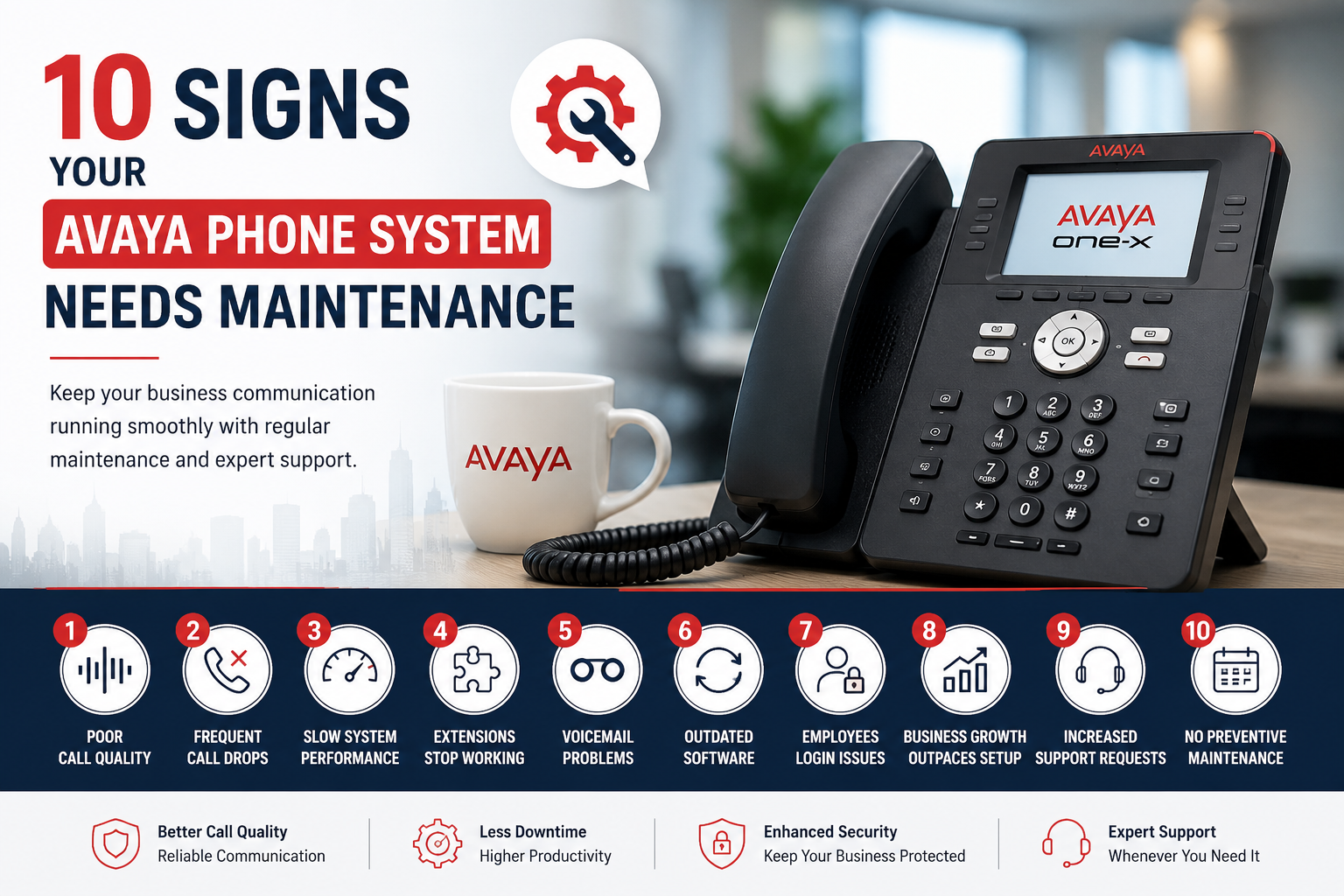
Your business phone system is one of the most important tools for communicating with customers, suppliers, and employees. Even a reliable Avaya phone system requires regular maintenance to perform efficiently. Ignoring small issues can lead to unexpected downtime, poor call quality, and higher repair costs. Here are ten common signs that indicate your Avaya phone system may need professional maintenance.
1. Poor Call Quality
If calls frequently sound unclear, have echoes, static noise, or voice delays, your phone system may need attention. These issues can result from network problems, outdated firmware, or hardware faults.
Regular maintenance helps identify and resolve these issues before they affect daily business communication.
2. Frequent Call Drops
Unexpected call disconnections can interrupt important conversations and create a poor experience for customers. If dropped calls become common, your phone system should be inspected.
Possible causes include:
- Network configuration issues
- SIP trunk problems
- Hardware failures
- Software errors
3. Slow System Performance
If your phone system takes longer than usual to start, respond to commands, or transfer calls, it may require optimization.
A maintenance check can improve system performance by:
- Removing outdated configurations
- Updating software
- Checking server resources
- Optimizing network settings
4. Extensions Stop Working
When some extensions cannot make or receive calls, there may be a configuration problem or hardware issue.
Professional maintenance ensures:
- Extension settings are verified
- Cabling is checked
- IP phone registration is tested
- Network connectivity is confirmed
5. Voicemail Problems
Voicemail is essential for businesses that cannot answer every call immediately.
You may need maintenance if:
- Messages are not being recorded
- Users cannot access voicemail
- Email notifications stop working
- Storage becomes full
6. System Software Is Outdated
Running an older software version can affect performance and security.
Updating your Avaya system can provide:
- Improved reliability
- Better compatibility
- Security improvements
- New communication features
Regular maintenance ensures updates are applied safely without affecting business operations.
7. Employees Experience Login Issues
If users frequently have trouble logging into desk phones or communication applications, the system should be checked.
Maintenance can help identify:
- User authentication problems
- Licensing issues
- Network conflicts
- Server synchronization errors
8. Business Growth Has Outpaced the Current Setup
As your company grows, your communication needs also change.
You may need maintenance or system upgrades if:
- More employees need phone extensions
- Additional office locations are added
- Remote workers require secure access
- Customer call volumes continue increasing
A system review helps ensure your phone solution continues to support your business.
9. Increased Number of Support Requests
If employees regularly report communication issues, it may indicate a larger system problem.
Common complaints include:
- Phones restarting unexpectedly
- One-way audio
- Failed call transfers
- Delayed ringing
- Conference call issues
Routine maintenance helps reduce recurring problems and improve overall reliability.
10. No Preventive Maintenance Has Been Performed
Many businesses only request support when something stops working. However, waiting until a failure occurs often results in longer downtime and higher repair costs.
Preventive maintenance includes:
- Health checks
- Software updates
- Backup verification
- Hardware inspection
- Network testing
- Performance monitoring
Regular servicing helps keep your communication system running efficiently throughout the year.
Benefits of Regular Avaya Phone System Maintenance
Scheduling routine maintenance offers several advantages:
- Improves call quality
- Reduces unexpected downtime
- Extends equipment lifespan
- Enhances system security
- Supports business continuity
- Keeps software up to date
- Identifies potential issues early
- Helps maintain reliable business communication
How Often Should an Avaya Phone System Be Serviced?
The recommended maintenance schedule depends on your business size and usage. As a general guideline:
- Small businesses: Every 12 months
- Medium-sized businesses: Every 6–12 months
- Large organizations or contact centers: Every 3–6 months
Businesses that rely heavily on voice communication should consider more frequent health checks to minimise disruptions.
Keep Your Business Communication Running Smoothly
Your Avaya phone system plays a vital role in keeping employees connected and ensuring customers can reach your business. Addressing small issues early through regular maintenance can help prevent costly interruptions and improve overall system performance.
If you notice any of the signs mentioned above, a professional system inspection can identify potential problems before they affect your daily operations.